Ask questions about a PDF and get cited answers
To ask questions about a PDF in Mempipe, upload it to a Space and ask the in-app agent in the Agent panel. The agent searches the file and answers with numbered citations. Select a citation to open the passage it came from, and check it before you rely on the answer. The same works across several PDFs in one Space, and you can save what you learn as a Markdown note.
Before you start
Section titled “Before you start”- A Mempipe account and a Space. Create a Mempipe account if you don’t have one.
- A PDF. On the Free plan, each file can be up to 32 MB. See supported file types and size limits.
- A model API key from OpenAI, Anthropic, OpenRouter, or Vercel AI Gateway. The provider bills you for what the agent uses. Without a key, you can still find evidence yourself.
Ask a question and check the answer
Section titled “Ask a question and check the answer”-
Upload your PDF to a
rawfolder.In Files, select the New folder icon at the top of the list, name the folder
raw, and press Enter. Withrawselected, select the Upload file icon and choose your PDF, or drag the PDF onto the folder. The question below and the LLM wiki guide both expect sources inraw, and moving a file later breaks the citations that point to it. Upload files to a Space has the details. -
Wait until the file is ready.
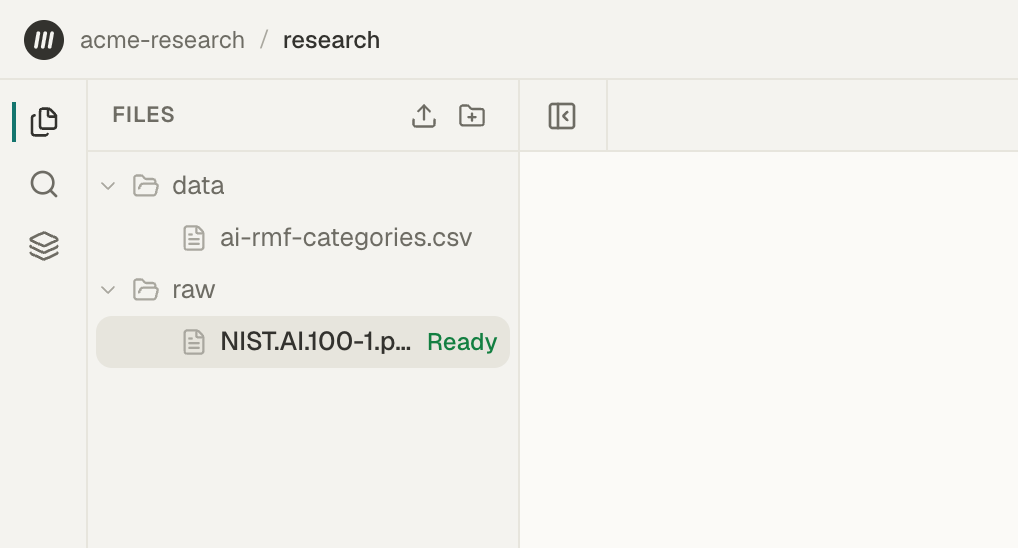
While Mempipe prepares the file for reading and search, Deriving… shows next to it. When it finishes, Ready shows for a few seconds and then the label clears. Search can take a few more seconds to include the file. A long PDF takes longer.
The label shows only in the browser tab you uploaded from. To check a file later, open Pipeline, then Space Activity, and select Refresh to load the latest events. Events are listed newest first, and older ones stay in the list, so read the most recent events for your file. Text extracted and Search units derived mean it is ready. Derivation failed means it is not.
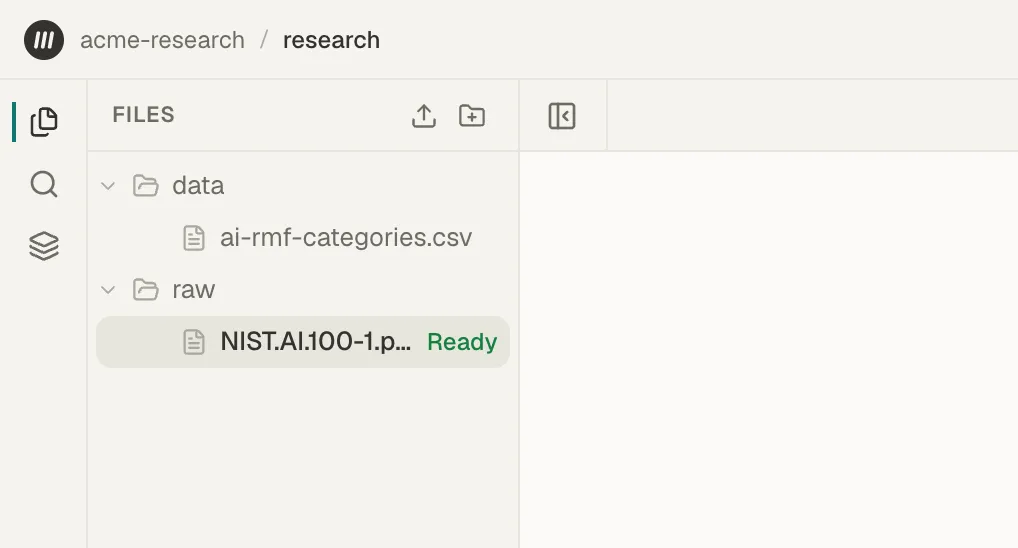
Ready shows for a few seconds when a file finishes processing. -
Set up the agent.
If the upload panel is still open in the bottom-right corner, choose Clear on it first. It covers the bottom of the Agent tab.
Select Agent at the top of the right panel. Below the message box, choose your provider from the menu. If it has no saved key yet, paste your key into API key. Each provider starts with a default model; to use another, select the gear button in the chat box, whose tooltip reads Model & API key. Mempipe saves the key in this browser only. If you reload the page, choose your provider and model again; your key stays saved. Set up the in-app agent covers each provider and where your key goes.
-
Ask a question.
Type your question in the message box and send it. Replace the file path and question below with your own:
Read
raw/NIST.AI.100-1.pdf. What are the four core functions of the AI RMF, and what does each one do? Cite the supporting passages. If the document does not say, tell me instead of guessing.Keep the Space open while the agent works. The agent runs in this browser tab, so closing the tab stops it.
-
Check the answer.
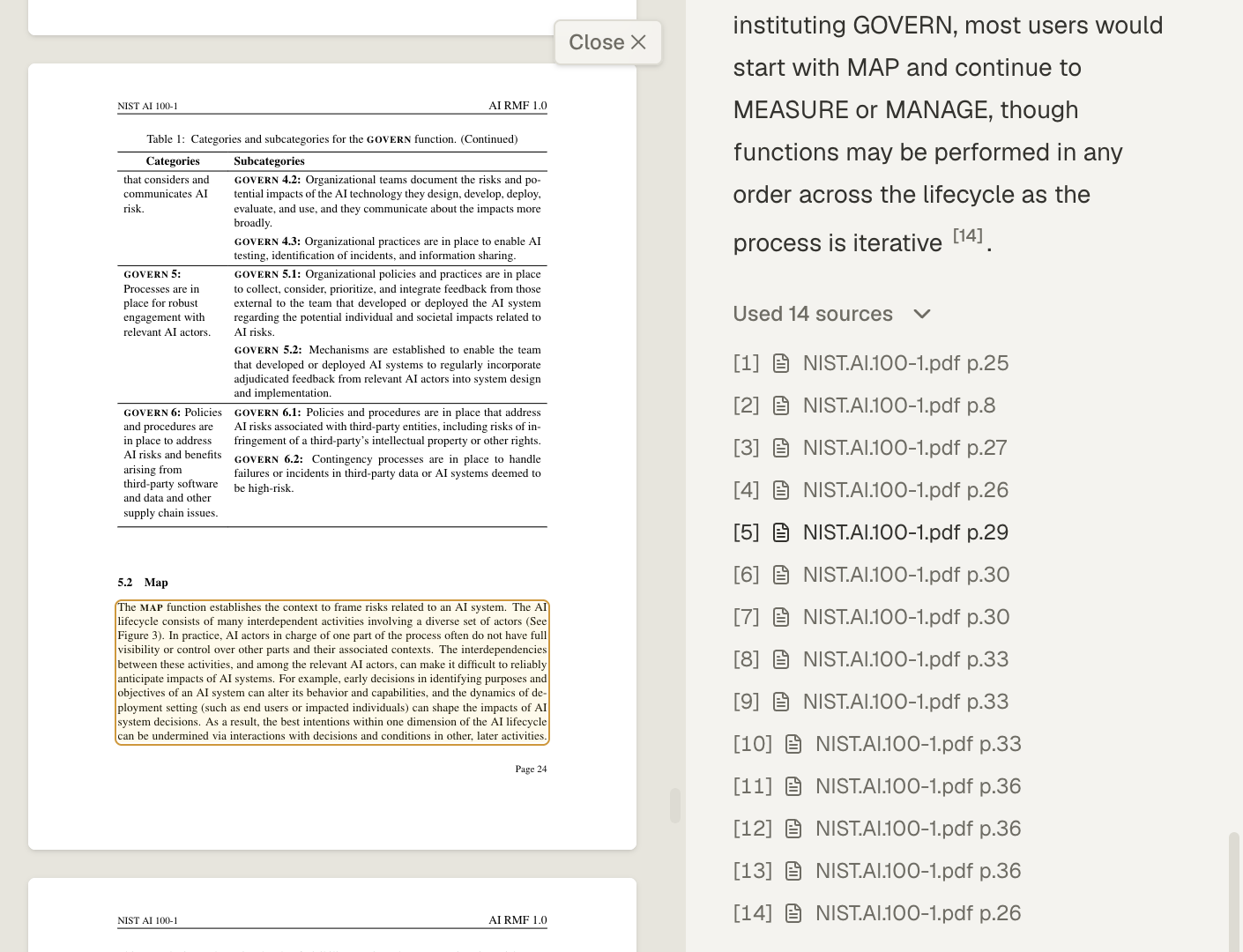
The answer marks its citations with numbers, such as [1]. Below the answer, a line such as Used 3 sources opens the list of sources. Select a number or a listed source to open the file at that passage.
For a PDF, the passage opens highlighted in the Markdown view, and the original page opens beside it with the same passage outlined. Select Close to hide the page. The page numbers in the source list, such as p.29, count the PDF’s pages from the first, so they can differ from the number printed on the page.
Read each passage and ask whether it supports the claim. If a claim has no citation, or its passage says something else, treat the claim as unchecked.
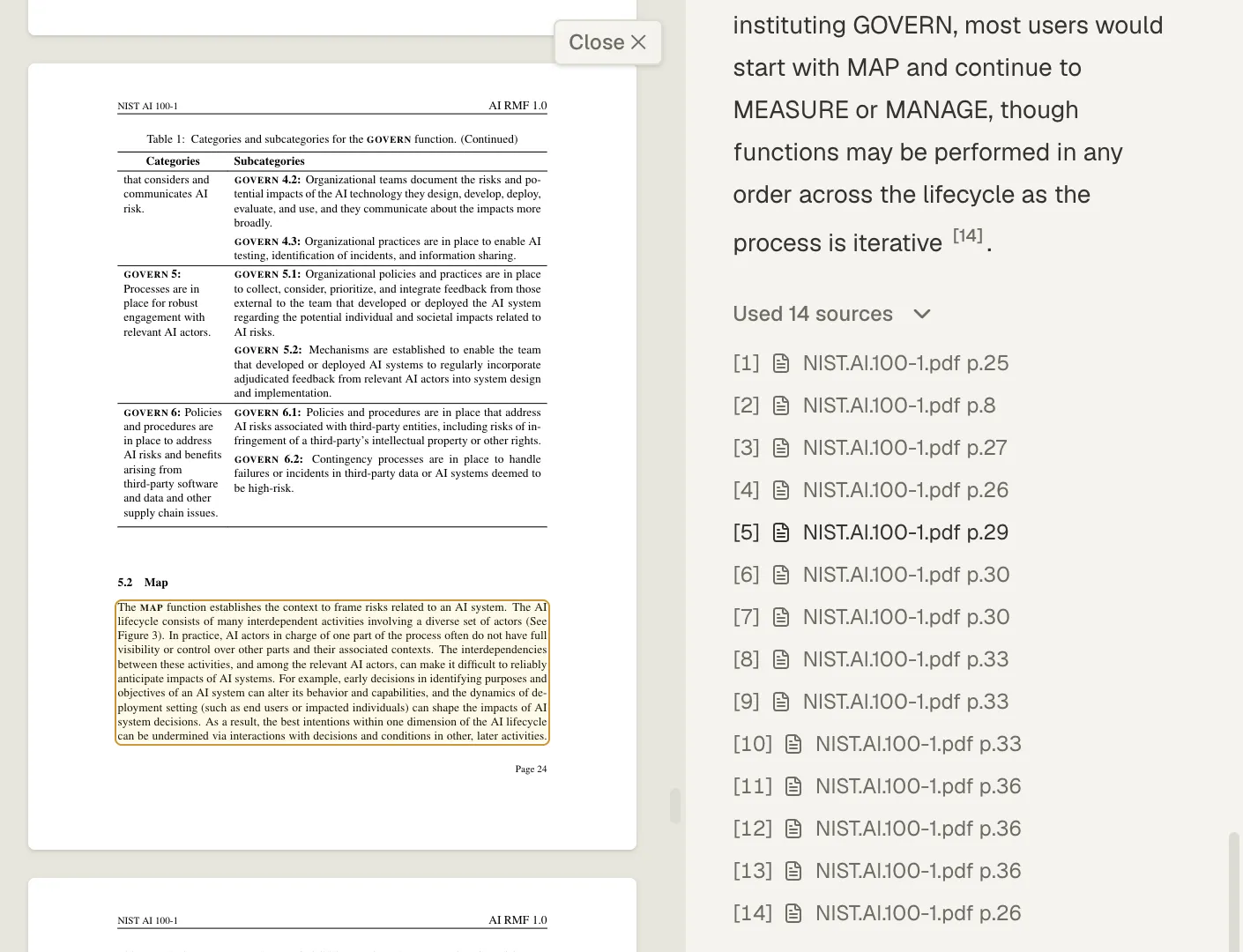
Select a citation to see the passage behind that part of the answer. -
Save what you learn.
Ask the agent to save the checked answer in a new file:
Save the four functions and their citations in
notes/ai-rmf-functions.md. Keep the original file unchanged.The agent saves files without asking for approval, so name a new file rather than one you want to keep as it is. Open the note in Files and read it. When the note includes citation links, selecting one opens its source passage.
You now have a note in your Space with the answer you checked and where it came from.
Ask across several PDFs
Section titled “Ask across several PDFs”Upload more PDFs to the same Space. Name the files in your question, or ask about the whole Space:
Compare how
raw/NIST.AI.100-1.pdfandraw/NIST.AI.600-1.pdfdescribe risk measurement. Cite passages from both files.
Find evidence yourself
Section titled “Find evidence yourself”You don’t need the agent to find a passage. Open Search in the left panel and enter a word or phrase you expect in the file, or a question. Grep finds text that matches what you type, and Ranked lists the passages that best answer it. Select a result to read the passage in context.
Grep treats what you type as a regular expression, so characters such as ., (, and ? have special meanings. To match them exactly, turn off Regex under the search box, as Find an exact phrase in your documents explains.
Build on the note
Section titled “Build on the note”When another question comes up, return to the same note. Edit it yourself, or ask the agent:
Read
notes/ai-rmf-functions.mdandraw/NIST.AI.100-1.pdf. Which categories belong to the Govern function? Cite the evidence, then add them to the note. Keep the existing findings and any open questions.
Check the saved changes the same way you checked the first answer.
If something gets in the way
Section titled “If something gets in the way”- The agent says the file is not ready, or can’t find it. Wait a minute, then ask again. To see where the file is, open Pipeline, then Space Activity, select Refresh, and look for its events. If the file shows Derive failed, or Space Activity shows Derivation failed, select that event to read Why it failed, then see A file is stuck processing or failed.
- The file shows Search failed. Search won’t include the file, but you and the agent can still read it. To process it again, upload it again and choose Replace.
- A provider or key error. Open Model & API key and check the provider, model, and key. Never paste your key into the chat or an email. See The agent won’t answer or shows a key error.
- No note appears. Ask the agent to save the note to the file path you chose, then look for it in Files.
- Search finds nothing. Check the spelling, then try a phrase you can see in the file. No results does not prove the file lacks an answer. See Search results are missing or out of date.
- “This citation does not resolve in the version shown here.” The file changed, or was processed again with a different extractor, after the answer cited it. Select Clear citation to read the file, and ask again for current citations. Open a citation and check its source covers this and other citation messages.
Next step
Section titled “Next step”As related notes grow, build an LLM wiki from them. To use the same files in Claude, ChatGPT, or another assistant, connect it to Mempipe.