Update your LLM wiki when you add sources
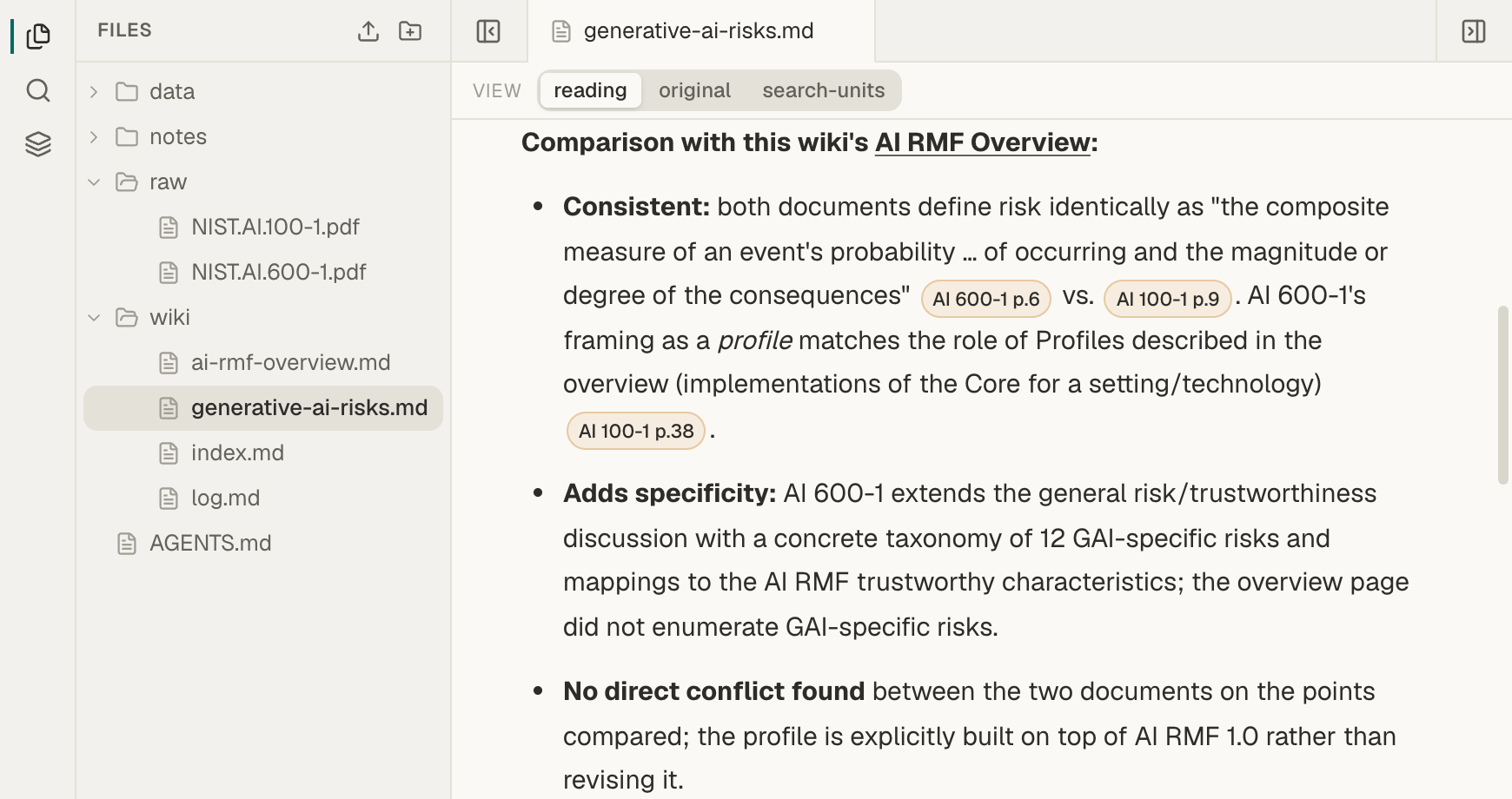
To update an LLM wiki with a new source, upload the file to your raw folder and wait until it is ready. Then ask the agent to read the current wiki, compare the new source with it, and update the pages the source affects. Ask it to cite both sources where they agree or differ, keep earlier findings unless the new source changes them, and add an entry to wiki/log.md.
Before you start
Section titled “Before you start”- A wiki to update. Build one with Build an LLM wiki from your PDFs, including its
AGENTS.md. - The in-app agent, set up with your own API key. See Set up the in-app agent with your own API key. You can use Claude Code or Codex instead. See Build an LLM wiki with Claude Code or Codex.
Add a new source
Section titled “Add a new source”-
Upload the new file to
raw.In Files, select the
rawfolder and choose Upload file. Give the file a name you will recognize in citations. See Upload files to a Space. -
Wait until it is ready.
Deriving… shows beside the file while Mempipe processes it, and Ready shows for a few seconds when it finishes. See What happens after you upload a file.
-
Ask the agent to bring the source into the wiki.
Open the Agent tab. Copy this prompt and replace the file name with your own:
Read wiki/index.md and the wiki pages related to raw/new-document.pdf.Then read raw/new-document.pdf.Update the affected pages with what the new source adds or changes.Create a new page for any topic the wiki does not cover yet.Cite both sources where they agree or disagree. Keep earlier findingsunless the new source changes them, and keep disagreements visible.Update wiki/index.md and append an entry to wiki/log.md withoutinventing a date. Then list every page you changed and what changed.Keep the Space open until the agent finishes. Each saved page appears in the chat as a write_file step that says whether the page was created or updated.
-
Review the changes.
Open each page the agent listed. Check that earlier sections are still there and that new claims cite the new source. Open
wiki/log.mdto see the new entry. Mempipe does not show what changed on a page, so the agent’s list is your guide. Check the claims you rely on before you use them.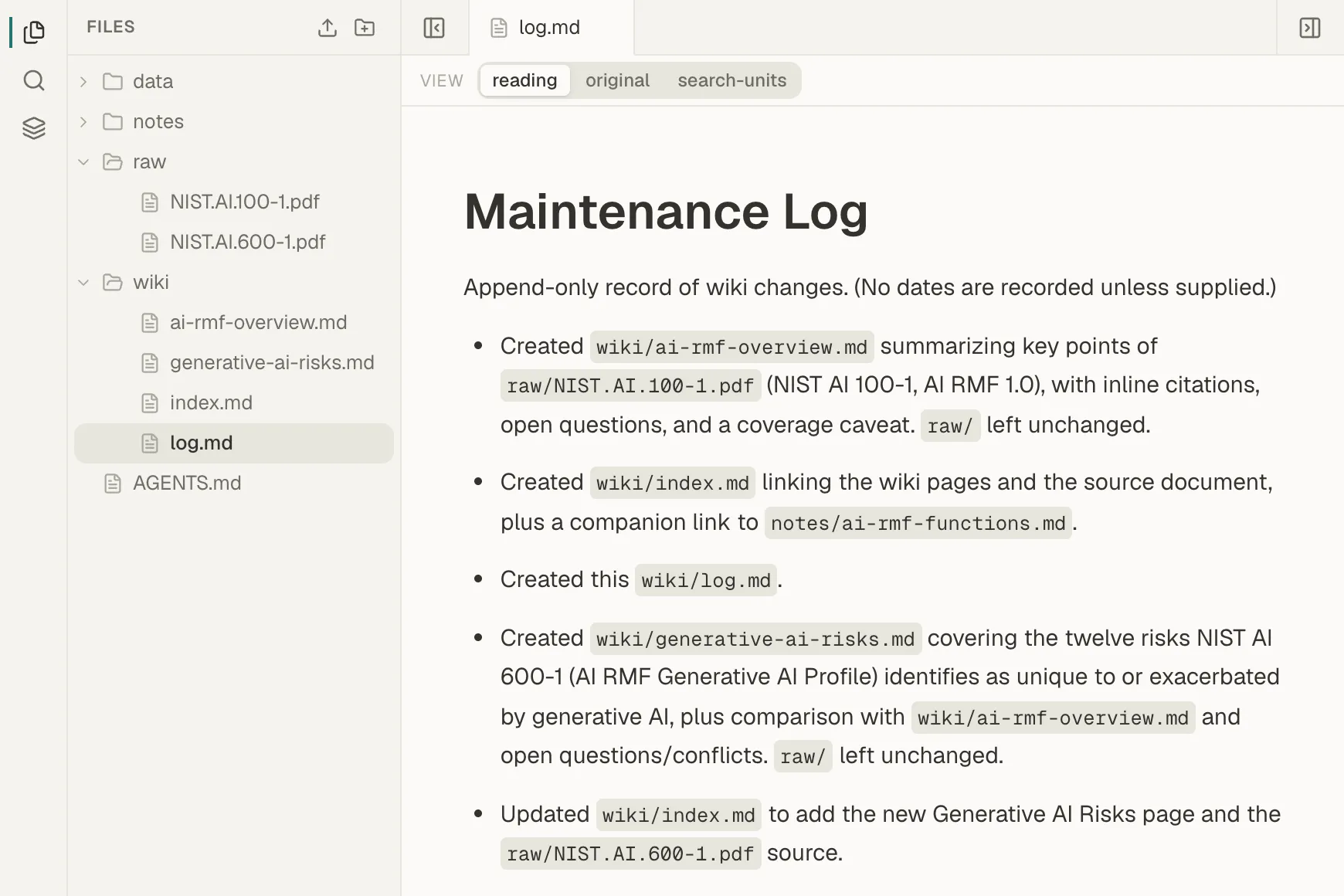
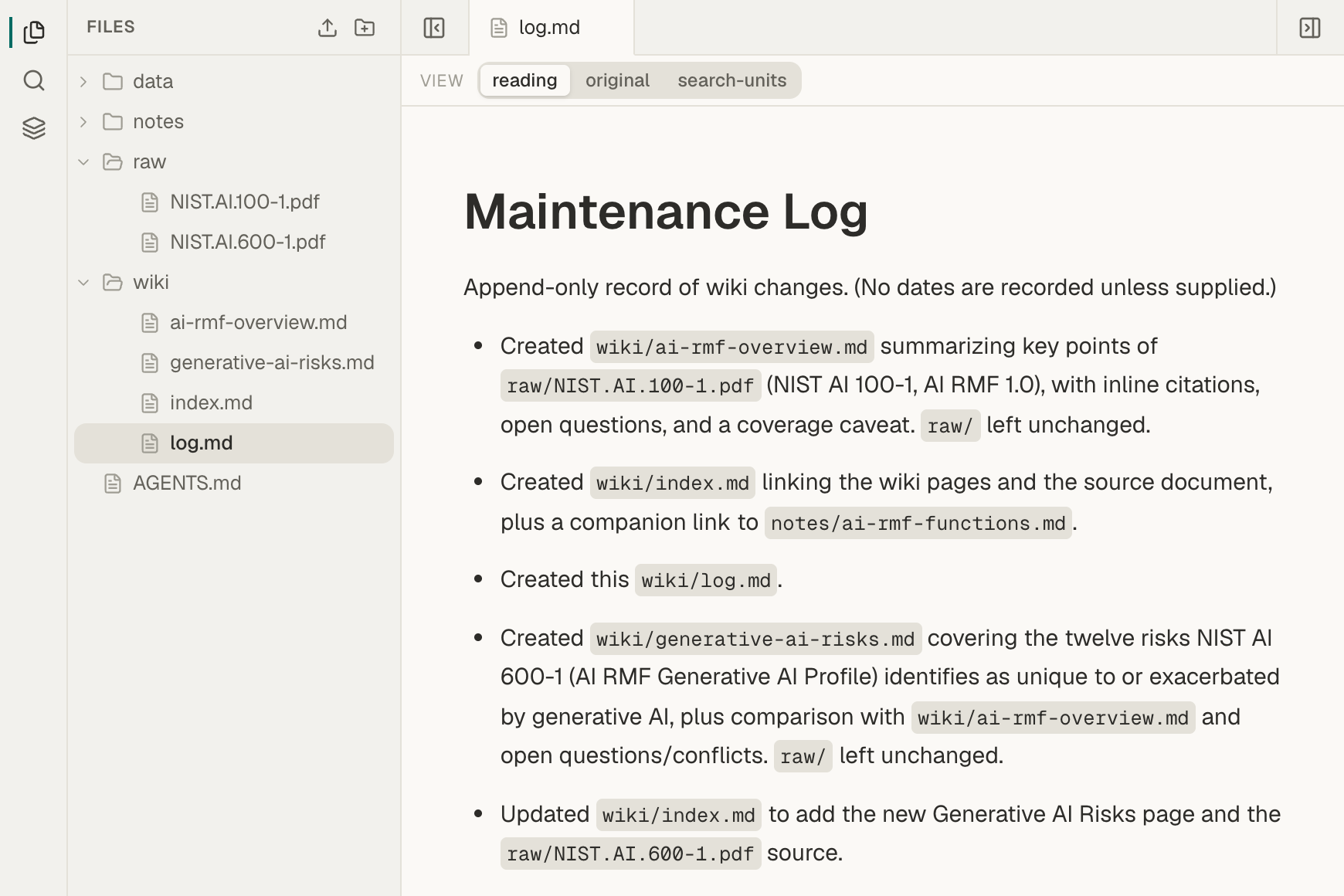
The log shows the changes the agent recorded.
Save answers back into the wiki
Section titled “Save answers back into the wiki”A good answer to a question is worth keeping. Ask your question in the Agent tab, then open its citations and check the answer. When it holds up, ask:
Add what we just checked to the relevant wiki page, with its citations.Keep the existing content. Update wiki/index.md if you add a page, andappend an entry to wiki/log.md.The next question can then start from that page.
Edit a page yourself
Section titled “Edit a page yourself”Wiki pages are ordinary Markdown, so you can correct or add to them in Mempipe. See Write and edit Markdown notes. The agent can replace a page only with the version it last read. If you save an edit after the agent read the page, the agent’s save is refused rather than overwriting your edit.
If something goes wrong
Section titled “If something goes wrong”- The agent made a new page instead of updating an existing one. Ask it to move the content into the existing page and update the index. The in-app agent and a connection to one Space cannot delete files, so delete the extra page yourself in Files. See Create folders and rename, move, or delete files.
- An earlier section is missing. The agent rewrote the page without it. There is no page history in the app to restore from, so ask the agent to add the section back from the sources, and check the result.
- The log shows a date that did not happen. Models can invent dates. Give the agent the real date, or ask it to leave the date out.
- A save is refused because the page changed. Someone edited the page after the agent read it. Ask the agent to read it again and redo its change.
- The new file is not ready. Wait for it to finish processing. If it shows Derive failed or Search failed, see A file is stuck processing or failed.
Still stuck? Email hello@mempipe.ai.
Next steps
Section titled “Next steps”- Check an AI-written wiki against its sources.
- Find an exact phrase in your documents to confirm a claim yourself.