FilesAgentsAccount
Read your files with S3 tools and review connected apps
Use temporary read-only access for file tools, and manage assistant connections in Settings.
New
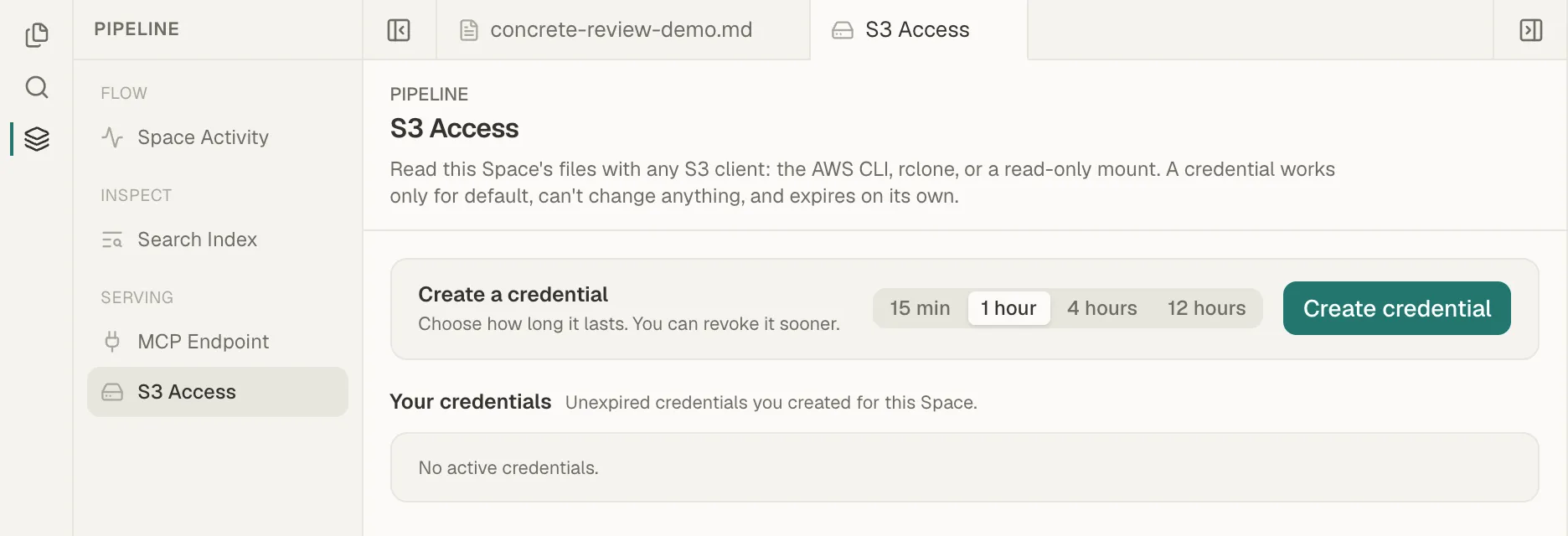
Read your Space from AWS CLI, rclone, or a Linux mount
Open S3 Access to connect a file tool or script to your Space. Copy the setup for AWS CLI, rclone, or Mountpoint for S3 on Linux, then list or read your original files. Choose read-only access lasting from 15 minutes to 12 hours, and revoke it sooner if needed.
Read a Space with S3 toolsNew
See which assistants have access
See which apps can read or write your files and whether each connection reaches one Space or all your Spaces. Disconnect an app in Settings to end its access within an hour. You can also manage S3 credentials, appearance, and invitations there.
Review connected apps