DocumentsSearchAgents
Edit Markdown in Live Preview
Format notes as you write, and focus agent searches on a folder.
New
Edit the note you are reading
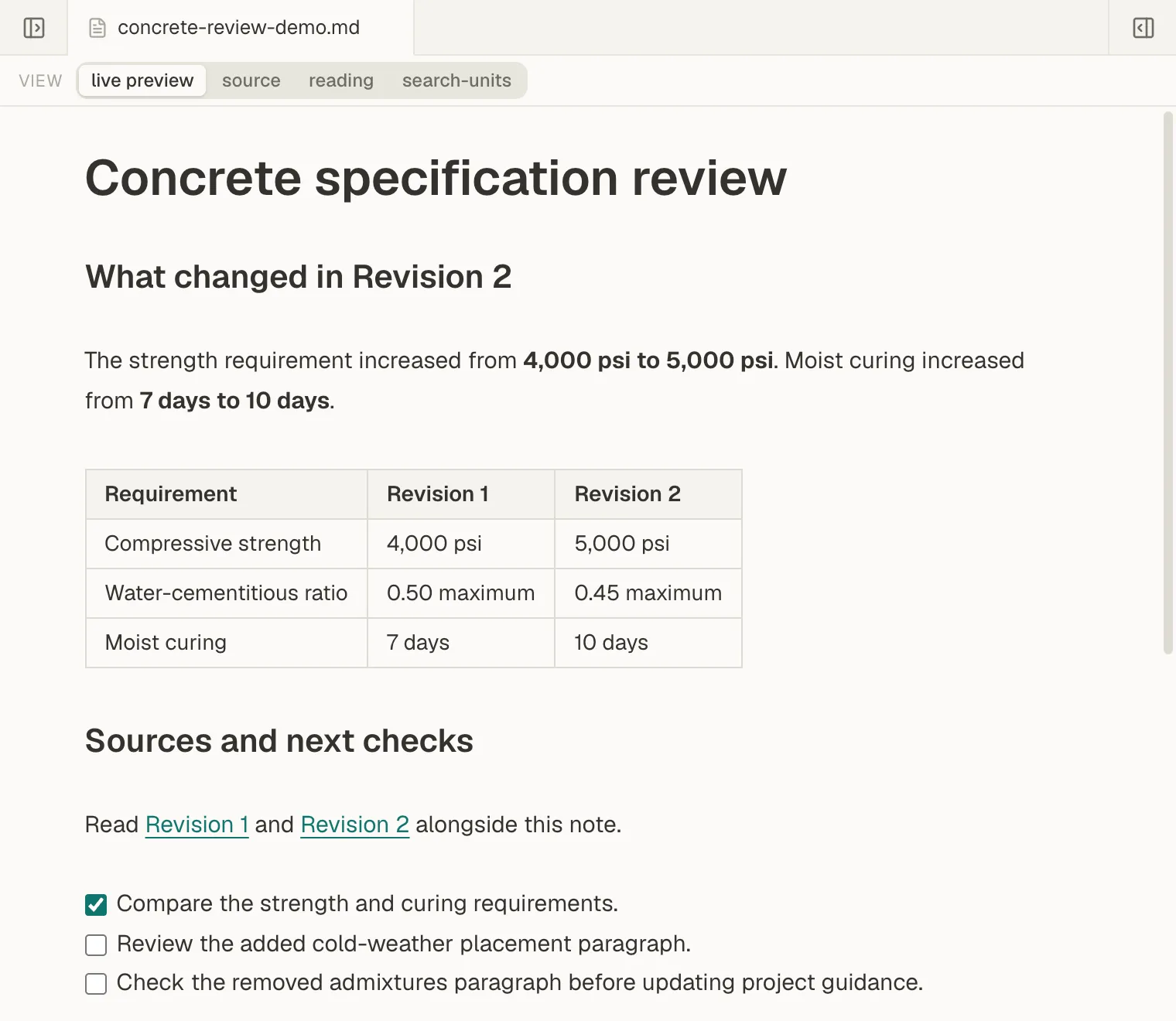
Markdown notes now open in Live Preview. See headings, links, checklists, images, and supported embeds as you write, with Markdown syntax visible around the cursor. Switch to source for the full markup, and press Command-S or Ctrl-S to save.
Edit Markdown notesImproved
Ask the in-app agent to search one folder
Ask the in-app agent to search raw/project-a/** and it can limit ranked results to that folder and its subfolders. Open the search step to see the scope it used. This folder filter is available through the agent, not the Search panel.
Organize and search your sources